 Modern Angular Architecture
Angular CI/CD with GitHub Actions for SSR Apps
Build a production CI/CD pipeline for Angular SSR apps with GitHub Actions, caching, smoke tests, deployment safety checks, and rollback readiness.
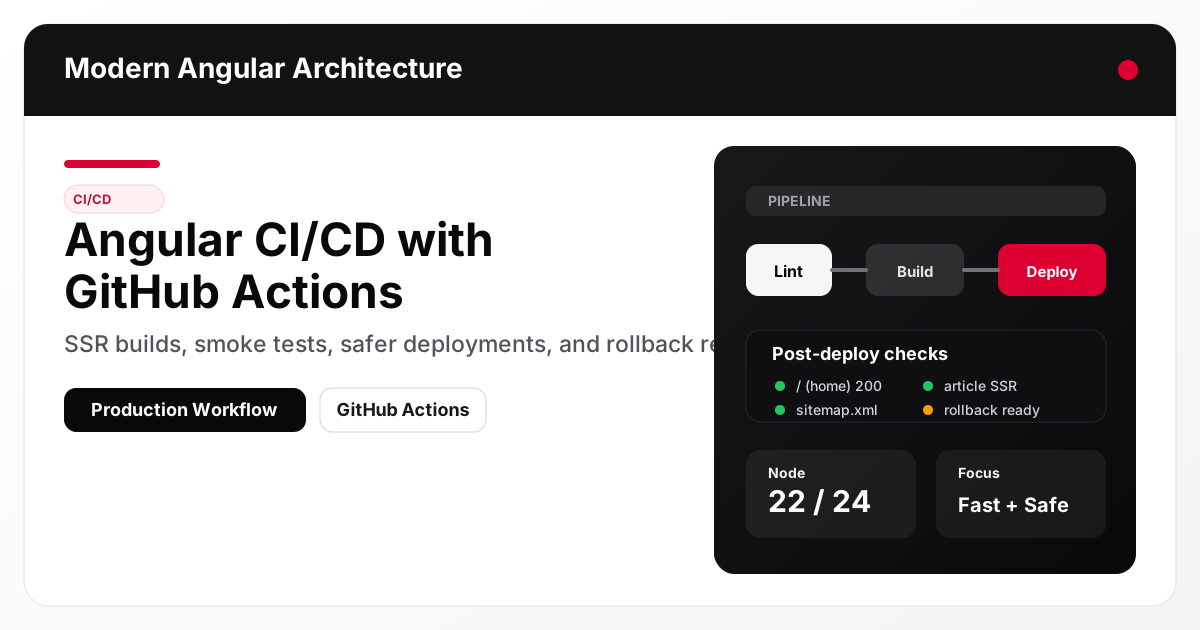
A production Angular CI/CD pipeline should optimize for confidence, speed, and safe rollback, not just a green checkmark. For Angular SSR applications, that means validating content generation, linting, SSR builds, prerender output, and post-deploy smoke tests against real routes like article pages, sitemap.xml, and rss.xml. GitHub Actions is a strong fit when you pair caching with deterministic steps and explicit failure gates.
What a good Angular CI/CD pipeline actually does
A mature pipeline does more than compile the app. It should answer these operational questions before production traffic sees a deploy:
- Did code quality checks pass?
- Did content/SEO generation succeed?
- Did the SSR build and prerender complete?
- Can the deployed app return correct HTML for key routes?
- Is rollback documented and executable?
For a content-driven Angular SSR site, pipeline quality directly affects SEO reliability and uptime.
Pipeline design principles for Angular SSR apps
1. Separate validation from deployment
Run fast feedback checks early (lint, content validation, tests) and reserve deployment for builds that already passed the essentials.
2. Cache aggressively, trust cautiously
Caching improves CI speed, but cached artifacts should never be treated as proof of correctness. Build/test outcomes must remain deterministic.
3. Treat SEO artifacts as deployable outputs
Files like sitemap.xml, robots.txt, and rss.xml are part of production correctness, not optional extras.
4. Include rollback in the workflow design
Rollback is not a separate operational concern. It is part of deployment quality.
Recommended CI/CD stages (Angular SSR)
- Install dependencies (with npm cache)
- Lint + typecheck
- Content generation and SEO/image validation
- Unit/integration tests (if present)
- Production build (SSR + prerender)
- Package/upload artifact or build container image
- Deploy
- Post-deploy smoke tests
- Rollback (if smoke tests fail)
Example 1: GitHub Actions CI job for Angular SSR quality gates
This example focuses on reproducible quality checks before deployment.
name: CI

on:
  pull_request:
  push:
    branches: [main]

jobs:
  validate-and-build:
    runs-on: ubuntu-latest
    steps:
      - uses: actions/checkout@v4

      - uses: actions/setup-node@v4
        with:
          node-version: 22
          cache: npm

      - name: Install dependencies
        run: npm ci

      - name: Lint
        run: npm run lint

      - name: Verify content + SEO + image policy
        run: npm run verify:content

      - name: Build SSR app
        run: npm run build
This is the correct baseline for a repo-based technical content site because it validates both application code and publishing correctness.
Example 2: Deployment + SSR smoke test stage
After deployment, verify actual runtime behavior using smoke tests that hit the routes users and crawlers depend on.
      - name: Start SSR server (example for CI smoke test)
        run: |
          nohup npm run serve:ssr > ssr.log 2>&1 &
          echo $! > ssr.pid

      - name: Wait for server
        run: |
          for i in {1..30}; do
            if curl -fsS http://localhost:4000/ >/dev/null; then
              exit 0
            fi
            sleep 2
          done
          exit 1

      - name: Smoke test SSR routes
        run: npm run smoke:ssr
For your site, the smoke suite should include:
/- One article route
- A 404 route
sitemap.xmlrss.xmlrobots.txt
Example 3: Safe deployment gates and environment protections
Use GitHub Environments and required approvals for production.
  deploy-production:
    needs: validate-and-build
    runs-on: ubuntu-latest
    environment:
      name: production
      url: https://modernfrontendarchitecture.com
    steps:
      - uses: actions/checkout@v4
      - name: Deploy image/app
        run: ./scripts/deploy-production.sh
Pair this with:
- protected
mainbranch - required status checks
- manual approval for production environment (if your team needs it)
Caching strategy that improves speed without masking problems
Good caches to use
- npm cache (
actions/setup-nodecache) - Angular build cache (if you choose to persist it carefully)
- Docker layer cache (for containerized deploy pipelines)
Bad assumptions to avoid
- “Cache hit means build is valid” (false)
- “Skipping smoke tests is okay because build passed” (false)
- “Sitemap generation can happen after deploy” (risky)
Build artifacts and deployment packaging
For Angular SSR apps, two common deployment approaches are:
Option A: Node SSR deployment artifact
- Build app in CI
- Deploy
dist/+ production dependencies - Run Node server on target platform
Option B: Docker image (recommended for consistency)
- Build a production image in CI
- Push to registry
- Deploy immutable image tag
This site already includes a multi-stage Dockerfile, which is a solid foundation.
Rollback readiness (the missing piece in many pipelines)
A pipeline is not production-ready without a rollback plan.
Minimum rollback requirements
- Last known good build/image reference recorded
- One documented rollback command or workflow
- Smoke tests that can be re-run after rollback
- Ownership (who can trigger rollback, who verifies recovery)
Example rollback runbook snippet
# Example only - adapt to your hosting platform
./scripts/deploy-production.sh --image-tag sha-previous-good
npm run smoke:ssr
CI/CD checklist for Angular content + SSR sites
- Use Node 22 or 24 in CI (match Angular support matrix)
- Run
npm ci(notnpm install) in CI - Run
npm run lint - Run
npm run verify:content - Run
npm run build(SSR + prerender) - Run SSR smoke tests against key routes
- Preserve deploy logs/artifacts for troubleshooting
- Document rollback steps and rehearse them
- Add environment protections and secrets hygiene
Common mistakes
- Treating CI as code-only validation while ignoring SEO/content artifacts
- Deploying without runtime smoke checks
- Using unsupported Node versions in CI/CD runners
- Relying on caching so heavily that broken dependencies are not surfaced
- Missing rollback documentation or tested rollback procedure
- Not validating 404 behavior and crawl-critical endpoints after deploy
How this connects to SEO outcomes
CI/CD quality affects SEO more than many teams expect. Broken metadata generation, missing sitemaps, or failed SSR builds can silently reduce crawlability and indexing quality. A good pipeline protects traffic and rankings by enforcing publishing correctness before and after deploy.
FAQ
What should an Angular CI/CD pipeline validate for an SSR content site?
At minimum: linting, content/SEO generation, production SSR build, and post-deploy smoke tests for HTML routes plus sitemap.xml, rss.xml, and robots.txt.
Is GitHub Actions good enough for production Angular deployments?
Yes, for many teams. It provides strong workflow automation, environment protections, artifact handling, and integration with deployment scripts or container registries.
Why should CI validate image and SEO metadata rules?
Because broken cover image paths, invalid canonical URLs, or duplicate slugs can hurt SEO and user experience even if the Angular app compiles successfully.
Should I run Lighthouse in CI on every PR?
Usually not full audits on every PR. Start with lint/build/smoke tests on every PR and run Lighthouse on main/nightly or for major UI/performance changes.
What is the biggest deployment mistake for Angular SSR sites?
Skipping post-deploy smoke tests. A successful build does not guarantee the SSR runtime is healthy in production.
Conclusion and next steps
A strong Angular CI/CD pipeline combines fast feedback with production safety: validate code, validate content/SEO outputs, build SSR artifacts, and verify runtime behavior after deployment. GitHub Actions works well when you make smoke tests and rollback readiness first-class parts of the pipeline.
Next, implement a production environment workflow with approvals and a documented rollback command, then add a scheduled Lighthouse run for your home page and top article routes. For SEO-specific runtime validation details, continue with Angular SSR and Hydration SEO Playbook. If your team is deploying micro frontends independently, the CI/CD considerations in Angular Micro Frontends: Native Federation vs Iframes are a relevant companion read.