 Modern Angular Architecture
Angular SSR Sitemap Generation: Build-Time Guide (2026)
How to generate sitemap.xml for Angular SSR apps at build time: route discovery, lastmod dates, priority, canonical URLs, and robots.txt integration.
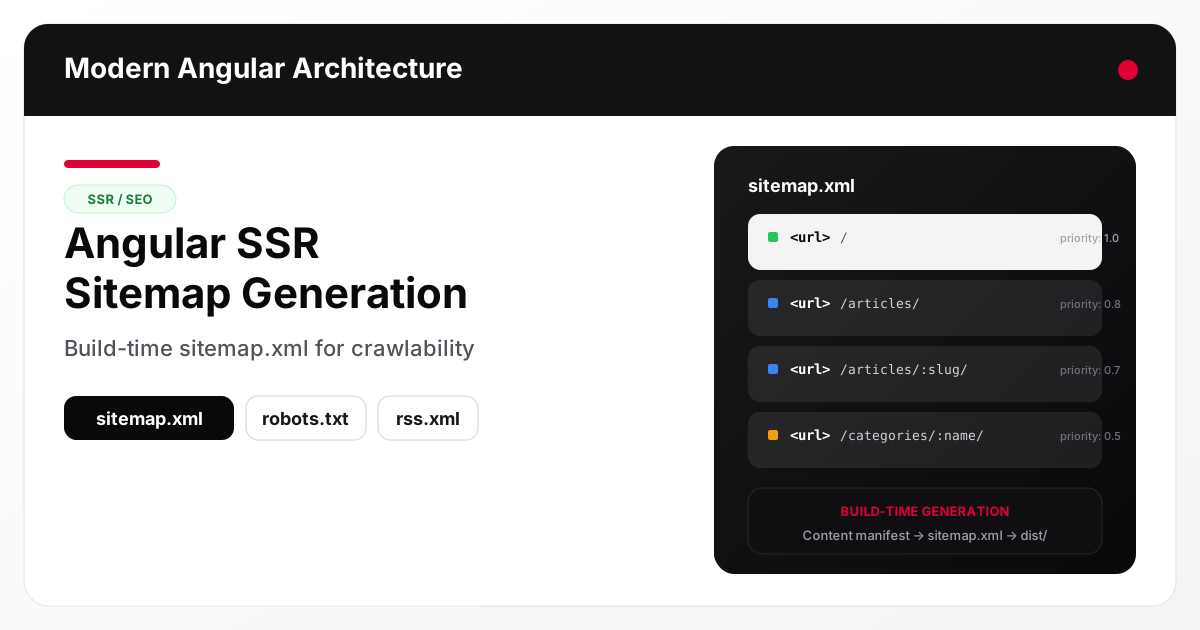
A well-structured sitemap.xml
tells search engines which URLs exist on your Angular application, when they were last updated, and how important they are relative to each other. For Angular SSR
apps, sitemap generation requires extra attention because routes are defined in TypeScript — not in a file system — and the sitemap must stay in sync with both your content and your canonical URL strategy
.
Why Angular SSR needs explicit sitemap generation
Frameworks with file-system routing (Next.js, Hugo, Astro) can infer sitemaps from directory structure. Angular cannot. Routes live in Routes[] arrays, often behind lazy imports and guards. The router configuration alone does not tell you which routes are content pages, which are behind authentication, and which should be excluded from indexing.
This means you need a build-time step that:
- Discovers all indexable routes
- Resolves the canonical URL for each route
- Assigns
lastmod,changefreq, andpriorityvalues - Writes a valid
sitemap.xmlto the build output
What belongs in the sitemap
Include every route that meets these criteria:
- Returns a
200status code - Has
robots: index,follow(or no robots restriction) - Contains meaningful, unique content
- Is not behind authentication
Exclude:
- Routes with
noindexmeta tags - Authentication-gated pages
- Search result pages with query parameters
- Preview, draft, or staging routes
- Redirect-only routes
Common Angular route categories
| Route type | Include in sitemap? | Priority |
|---|---|---|
Home / | Yes | 1.0 |
Article listing /articles/ | Yes | 0.8 |
Article detail /articles/:slug/ | Yes | 0.7 |
Category pages /categories/:name/ | Depends on indexability | 0.5 |
Tag pages /tags/:tag/ | Often no (noindex) | — |
Auth routes /login, /register | No | — |
User dashboard /dashboard/ | No | — |
Build-time generation approach
The most reliable pattern generates the sitemap from the same content source used for prerendering. This prevents drift between deployed pages and sitemap entries.
Step 1: Create a content manifest
If your Angular app renders markdown or CMS content, you likely already have a build step that produces a content index. Use it as the single source of truth.
// scripts/content-manifest.ts
interface Article {
  slug: string;
  title: string;
  date: string;
  updated?: string;
  draft: boolean;
  category: string;
  tags: string[];
}

// Load from markdown frontmatter, CMS API, or JSON files
const articles: Article[] = loadArticles();
Step 2: Generate sitemap.xml
// scripts/generate-sitemap.ts
import { writeFileSync } from 'fs';
import { articles } from './content-manifest';

const BASE_URL = 'https://example.com';

interface SitemapEntry {
  loc: string;
  lastmod: string;
  changefreq: string;
  priority: string;
}

function buildEntries(): SitemapEntry[] {
  const entries: SitemapEntry[] = [
    {
      loc: '/',
      lastmod: new Date().toISOString().split('T')[0],
      changefreq: 'weekly',
      priority: '1.0'
    },
    {
      loc: '/articles/',
      lastmod: new Date().toISOString().split('T')[0],
      changefreq: 'weekly',
      priority: '0.8'
    }
  ];

  for (const article of articles.filter(a => !a.draft)) {
    entries.push({
      loc: `/articles/${article.slug}/`,
      lastmod: (article.updated ?? article.date),
      changefreq: 'monthly',
      priority: '0.7'
    });
  }

  return entries;
}

function toXml(entries: SitemapEntry[]): string {
  const urls = entries
    .map(e => `  <url>
    <loc>${BASE_URL}${e.loc}</loc>
    <lastmod>${e.lastmod}</lastmod>
    <changefreq>${e.changefreq}</changefreq>
    <priority>${e.priority}</priority>
  </url>`)
    .join('\n');

  return `<?xml version="1.0" encoding="UTF-8"?>
<urlset xmlns="http://www.sitemaps.org/schemas/sitemap/0.9">
${urls}
</urlset>`;
}

const sitemap = toXml(buildEntries());
writeFileSync('dist/browser/sitemap.xml', sitemap);
console.log(`Sitemap generated with ${buildEntries().length} URLs`);
Step 3: Integrate into the build pipeline
Add the sitemap generation as a post-build step in package.json:
{
  "scripts": {
    "build": "ng build",
    "postbuild": "ts-node scripts/generate-sitemap.ts",
    "build:prod": "npm run build -- --configuration production"
  }
}
Or in a CI/CD pipeline:
- name: Build and generate sitemap
  run: |
    npm run build -- --configuration production
    npx ts-node scripts/generate-sitemap.ts
Canonical URL alignment
The most critical rule for sitemaps: sitemap URLs must exactly match canonical URLs. Mismatches confuse crawlers and dilute ranking signals.
Trailing slash consistency
If your canonical URLs use trailing slashes, the sitemap must too:
<!-- Correct: matches canonical -->
<loc>https://example.com/articles/my-article/</loc>

<!-- Wrong: canonical uses trailing slash but sitemap doesn't -->
<loc>https://example.com/articles/my-article</loc>
Protocol and domain consistency
Always use the same protocol (https://) and domain (with or without www.) in both canonical tags and sitemap entries. Generate both from the same BASE_URL constant.
// Single source of truth for URL generation
const BASE_URL = 'https://example.com';

// Used in both sitemap generation and canonical meta tags
function getCanonicalUrl(path: string): string {
  return `${BASE_URL}${path}`;
}
lastmod dates
Search engines use lastmod to decide whether to re-crawl a page. Use meaningful dates:
- Article pages: use the article’s
updatedordatefield from frontmatter - Listing pages: use the most recent article date in that section
- Static pages: use the last git commit date for that file, or the deploy date
Do not set all lastmod values to the current build timestamp. Google will learn to ignore your lastmod if every page claims to be updated on every deploy.
function getListingLastmod(articles: Article[]): string {
  const sorted = articles
    .filter(a => !a.draft)
    .sort((a, b) =>
      new Date(b.updated ?? b.date).getTime() -
      new Date(a.updated ?? a.date).getTime()
    );
  return sorted[0]?.updated ?? sorted[0]?.date ?? new Date().toISOString().split('T')[0];
}
Priority and changefreq
These are hints, not directives. Search engines may ignore them, but they help express your content hierarchy:
| Value | When to use |
|---|---|
priority: 1.0 | Home page |
priority: 0.8 | Section landing pages |
priority: 0.7 | Individual content pages |
priority: 0.5 | Category/tag archives |
changefreq: weekly | Frequently updated sections |
changefreq: monthly | Stable content pages |
Connecting sitemap to robots.txt
Reference the sitemap in robots.txt so crawlers discover it automatically:
User-agent: *
Allow: /

Sitemap: https://example.com/sitemap.xml
For Angular SSR, generate robots.txt in the same build step or keep it as a static asset in src/assets/.
Sitemap for hybrid rendering strategies
If your Angular app uses both prerendering and runtime SSR, include both types of routes in the sitemap. The crawler does not know or care how the HTML was generated — it only needs valid URLs.
However, prerendered routes are generally more reliable for indexing because they return consistent HTML without server runtime dependencies. Consider assigning slightly higher priority to prerendered routes if you want to signal their importance.
Validating the sitemap
After generating, validate before deploying:
- XML validation: ensure well-formed XML with no encoding issues
- URL count: verify the number of URLs matches your expected indexable page count
- URL format: confirm all URLs use the correct protocol, domain, and trailing slash pattern
- Accessibility: ensure
sitemap.xmlreturns200in production - Search Console: submit the sitemap URL in Google Search Console under Sitemaps
// Quick validation script
import { readFileSync } from 'fs';

const sitemap = readFileSync('dist/browser/sitemap.xml', 'utf-8');
const urlCount = (sitemap.match(/<url>/g) || []).length;
const locCount = (sitemap.match(/<loc>/g) || []).length;

console.log(`URLs: ${urlCount}, Locs: ${locCount}`);
console.assert(urlCount === locCount, 'Mismatch between <url> and <loc> counts');
console.assert(urlCount > 0, 'Sitemap has no URLs');
console.assert(!sitemap.includes('localhost'), 'Sitemap contains localhost URLs');
Sitemap index for large applications
If your Angular app has more than 50,000 URLs (the sitemap protocol limit), split into multiple sitemaps and use a sitemap index:
<?xml version="1.0" encoding="UTF-8"?>
<sitemapindex xmlns="http://www.sitemaps.org/schemas/sitemap/0.9">
  <sitemap>
    <loc>https://example.com/sitemap-articles.xml</loc>
    <lastmod>2026-03-17</lastmod>
  </sitemap>
  <sitemap>
    <loc>https://example.com/sitemap-categories.xml</loc>
    <lastmod>2026-03-17</lastmod>
  </sitemap>
</sitemapindex>
Common mistakes
- Sitemap/canonical mismatch: sitemap uses
/pathbut canonical uses/path/. This splits crawl signals. - Including noindex pages: pages with
robots: noindexshould never appear in the sitemap. - Stale lastmod: setting all dates to the build timestamp makes Google ignore your lastmod entirely.
- Generating from router config instead of content: the Angular router defines possible routes, not actual content pages. Generate from your content source.
- Forgetting to regenerate: deploying new content without updating the sitemap means crawlers do not discover new pages promptly.
- Missing from robots.txt: if the sitemap is not referenced in
robots.txt, crawlers may not find it without manual submission.
FAQ
How do I generate a sitemap for an Angular SSR app?
Add a build-time step that discovers your indexable routes from your content manifest (not the router config), resolves each canonical URL, assigns lastmod/changefreq/priority, and writes a valid sitemap.xml to the build output. Because Angular routes live in TypeScript rather than a file system, this generation has to run as part of your production build so the sitemap stays in sync with deployed content. The full walkthrough is above.
How often should I regenerate the sitemap?
On every deploy that changes content. If you add or update articles, the sitemap should reflect those changes immediately. Automate this as a post-build step so it cannot be forgotten.
Does the sitemap guarantee indexing?
No. The sitemap tells search engines which URLs exist, but indexing depends on content quality, crawl budget, internal linking, and many other factors. A sitemap improves discoverability but does not override quality signals.
Should I include images in the sitemap?
For content-heavy sites with unique images, yes. Use the image:image extension to help Google discover images that might not be found through normal crawling. For most Angular SPAs with decorative images, this is not necessary.
What is the difference between sitemap.xml and robots.txt?
robots.txt controls crawler access (which paths to crawl or skip). sitemap.xml lists URLs for discovery (what pages exist and when they changed). They are complementary: use both together.
Can I have multiple sitemaps?
Yes. Reference all of them in robots.txt or use a sitemap index file. This is common for large sites that segment content by type (articles, products, categories).
Conclusion and next steps
Sitemap generation for Angular SSR apps is a build-time concern, not a runtime one. Generate from your content manifest, align URLs with canonical tags, use meaningful lastmod dates, and submit to Search Console after every deploy.
For the complete Angular SSR production setup including metadata, structured data, and hydration, read the companion article Angular SSR SEO Playbook . For choosing between build-time and runtime rendering — including how to prerender selectively at scale for large route sets and e-commerce catalogs — see Angular Prerendering vs SSR . And if you are still weighing whether Angular is good for SEO — and how it compares to Next.js for a content-driven site — see the head-to-head SEO trade-offs in Angular vs Next.js for content platforms .